Defending a system
This page needs a recent browser (with SharedArrayBuffer support). Please update Chrome, Edge, Firefox or Safari to the latest version.
Walls at the edge
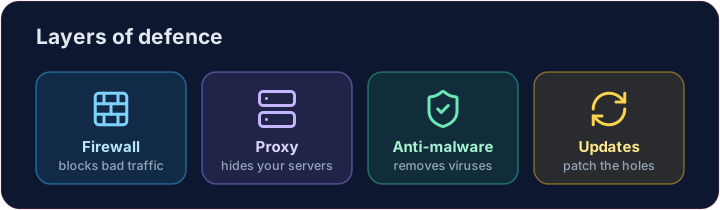
- A firewall sits between your network and the internet, blocking traffic that breaks the rules.
- A proxy server stands in front of your servers, hiding them and filtering requests.
- Together they keep unwanted visitors out before they reach anything important.
Software defences
- Anti-malware (anti-virus / anti-spyware) scans for and removes known malware.
- Automatic updates patch weaknesses as soon as fixes are released — most attacks use old, known holes.
Limiting the damage
- Access levels give each person only the rights they need — a student cannot change a teacher's grades.
- Privacy settings control who can see your data on a service.
- If one account is broken into, good access levels stop the attacker reaching everything.
Smart habits
- Check the URL of a link before clicking, and the spelling and tone of messages.
- Check the address starts with https:// and is the exact site you meant before entering a password. HTTPS encrypts the connection (more on that soon), but a fake site can have it too.
Covers: IGCSE 5.3 (solutions), A-Level 6.1 (security measures).
Now you try
- First act as a firewall: let the allowed ports through and collect everything else in a blocked list.
- Then match each threat to the defence that stops it.
Common mistakes
- Use layers: firewall, updates, anti-malware and backups.
- No single measure is enough — this is defence in depth.
Difficulty 2/5 · 140 coins + a small bonus on first completion today
Act as a firewall. Only ports in allowed may pass. Build a list blocked of every requested port that is not allowed, and print it.
Click Run to see the output here.
Difficulty 2/5 · 140 coins + a small bonus on first completion today
Match each problem to the defence that stops it: anti-malware, updates or access levels.
Click Run to see the output here.
Difficulty 2/5 · 140 coins + a small bonus on first completion today
Access levels give each role only what it needs. Using the rights dictionary, write allowed(role, action), which returns True if that role may do that action. An unknown role may do nothing.
Click Run to see the output here.